About Personal Wi-Fi
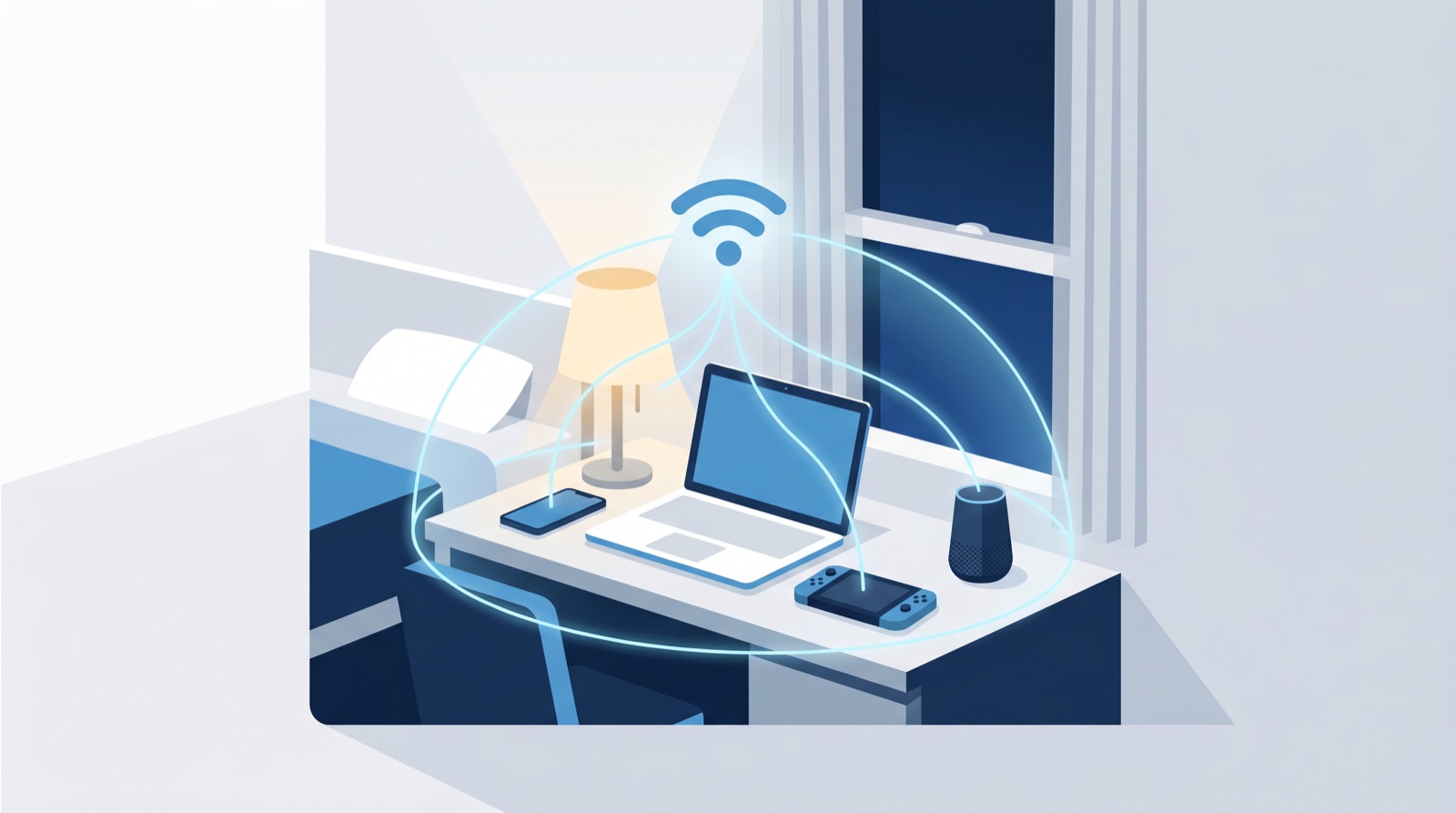
Your own private Wi-Fi network
One personal key connects everything you own — phone, laptop, console, TV — on a network that’s yours alone.
How it worksWhat is Personal Wi-Fi?
A single Wi-Fi key that’s yours. Every device you own joins one private network — your roommates and neighbors can’t see your devices, and you don’t have to sign in every time.
Safer by default
Your devices sit on their own private network, hidden from everyone else.
One key, all devices
Phone, laptop, console, TV — they all share your single key.
You’re in control
See, regenerate, or revoke your key here anytime.
How it works
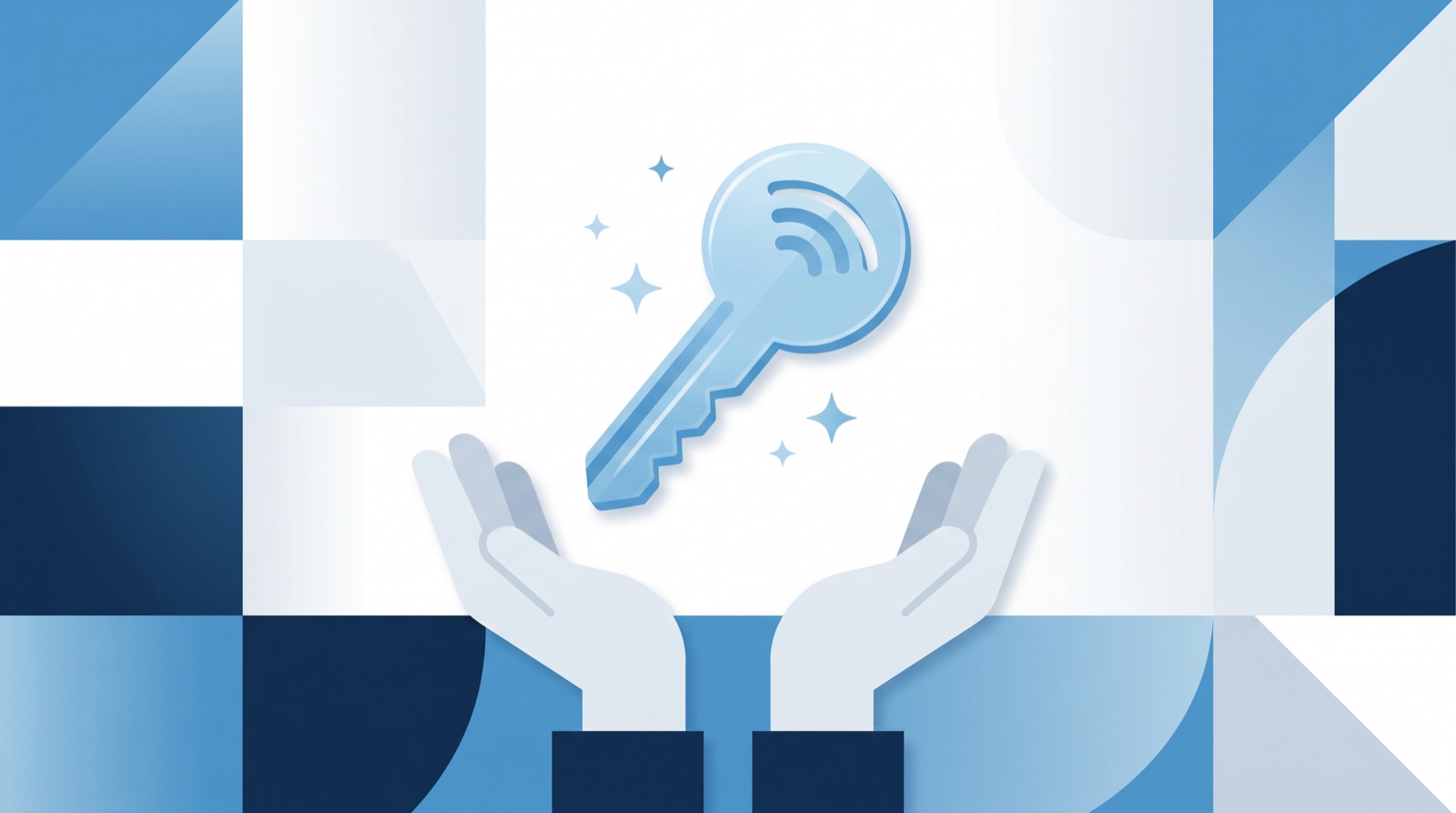
Step 1
Create your network
One personal key, made just for you.
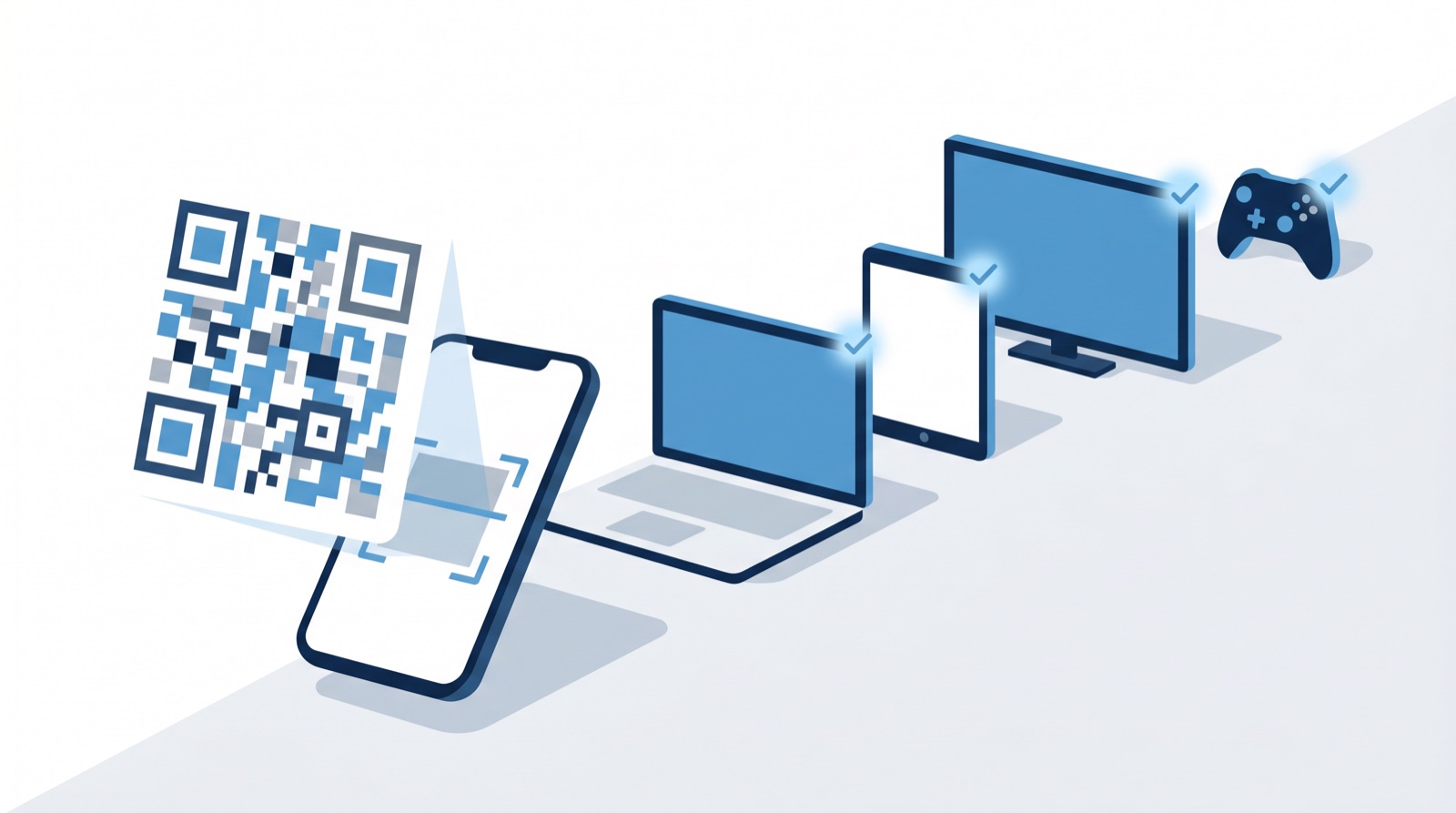
Step 2
Connect everything
Type or scan the key on any device — no registration.

Step 3
Private by design
Your devices see each other — nobody else’s.
Where it works
Personal Wi-Fi is available in these residence halls.
- Baity Hill 1101 Mason Farm Student Family Housing
- Baity Hill 1351 Mason Farm Student Family Housing
- Baity Hill 1401 Mason Farm Student Family Housing
- Baity Hill 1501 Mason Farm Student Family Housing
- Baity Hill 1600 Student Family Housing
- Baity Hill 1700 Student Family Housing
- Baity Hill 1800 Student Family Housing
- Baity Hill 1900 Student Family Housing
- Everett Residence Hall
- Graham Residence Hall
- McClinton Residence Hall
- Horton Residence Hall
- Joyner Residence Hall
- Koury Residence Hall
- Lewis Residence Hall
- Paul Hardin Residence Hall
- Stacy Residence Hall
Common questions
Your key always lives here — just sign in with your Onyen to see it again. Tap Show to reveal it.
No new key needed. Use the same key on the new device — phones can just scan the QR. All your devices share one personal network.
Make sure you picked mypsk.unc.edu (not eduroam) and entered the key exactly, including the dashes and capital letters. Still stuck? Regenerate a fresh key below.
No. eduroam logs you in with your Onyen each time. Personal Wi-Fi gives every device its own private network with one reusable key.
Ready to get online?
One tap creates your personal key — it appears right here, ready for all your devices.
UNC IT Help Desk · help.unc.edu